

About
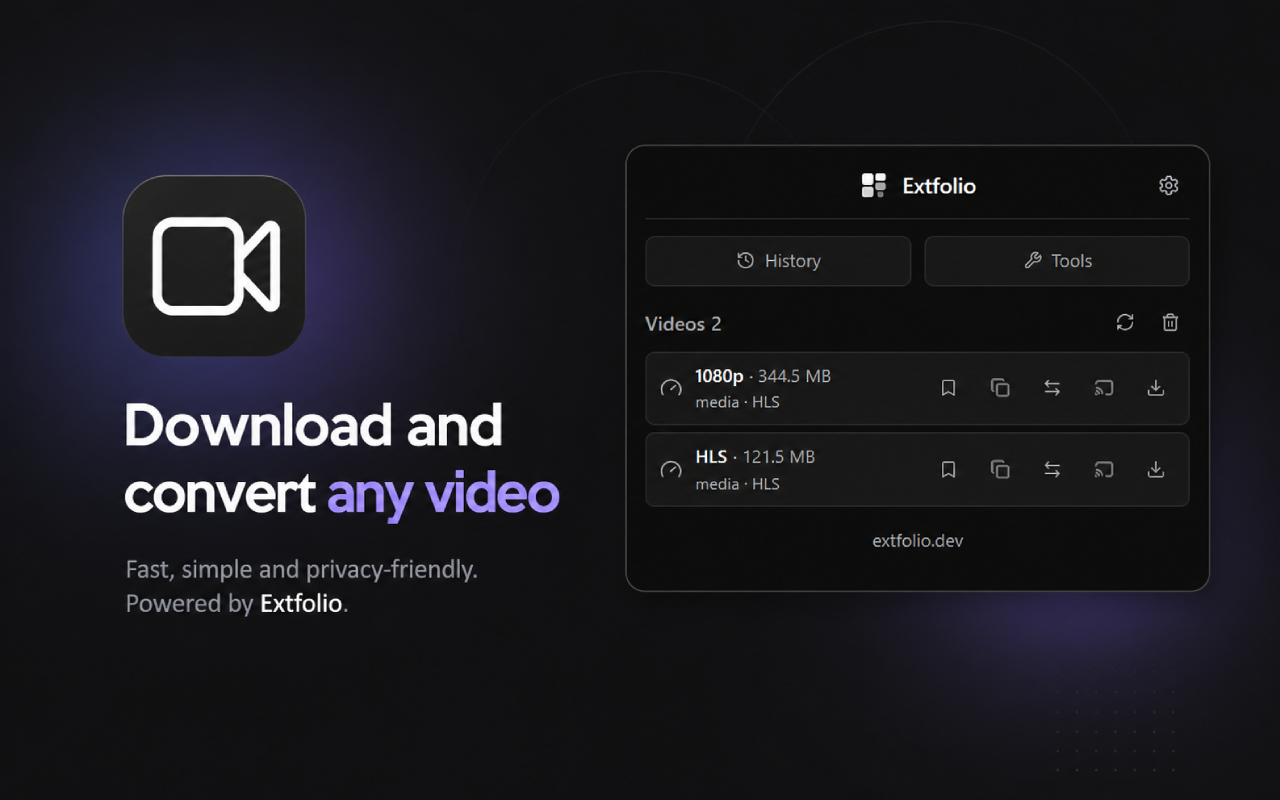
Video Downloader - HLS & MP4 Saver is a simple, privacy-first video downloader that finds media on the page you’re browsing and lets you save it straight to your computer. No accounts, no cloud, no tracking.
KEY FEATURES
• Smart detection — finds HLS, DASH, MP4, WebM, and audio streams from the page and network as you watch.
• One-click download — pick a stream in the popup and save it to your Downloads folder.
• Quality at a glance — see resolution, file size, and format before you download.
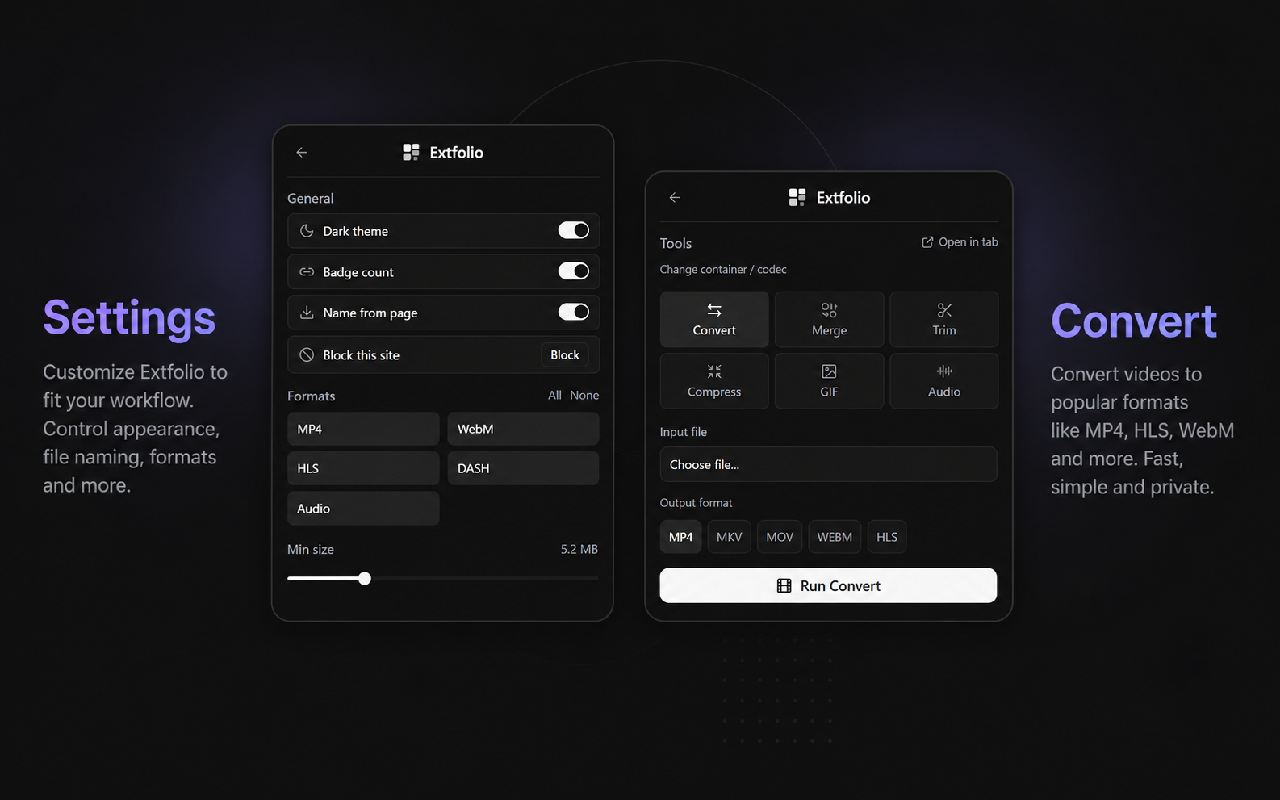
• Built-in tools — convert, trim, compress, extract audio, merge audio + video, or make a GIF. Everything runs locally in your browser.
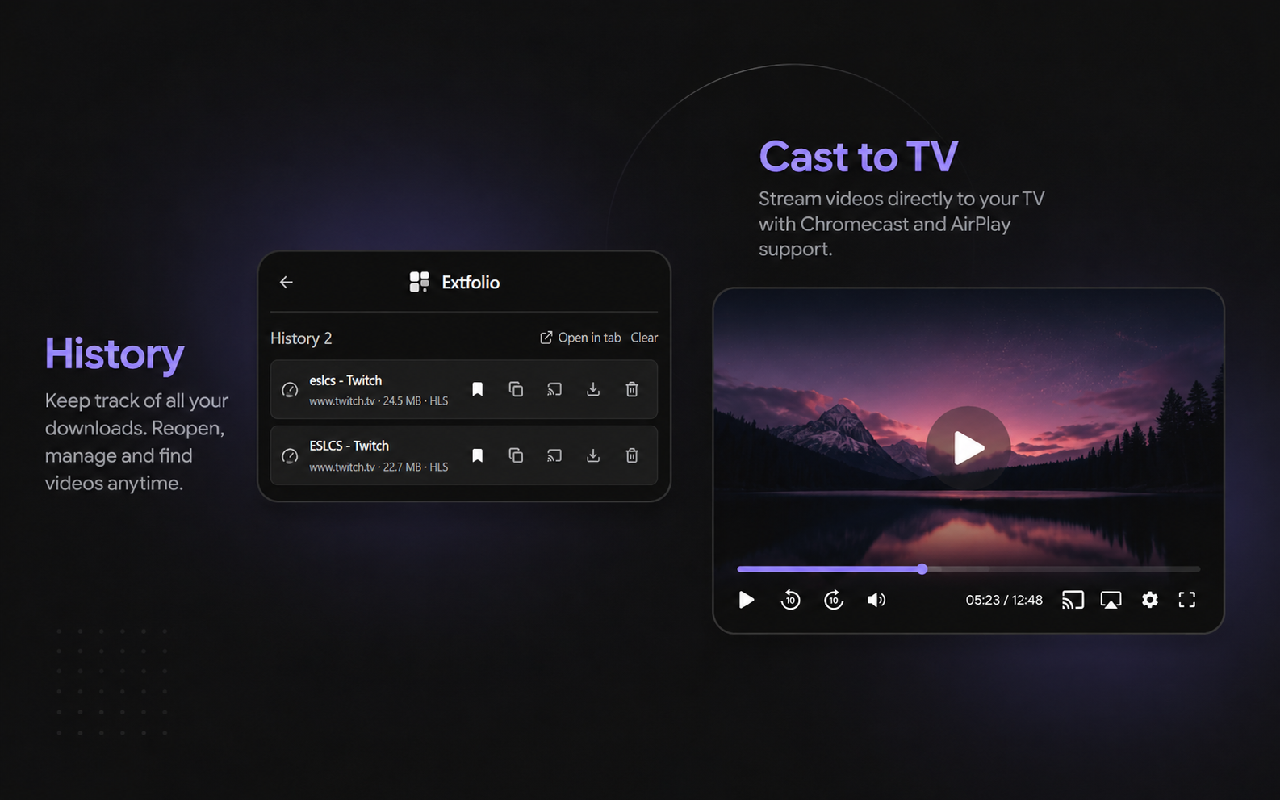
• Cast to TV — play supported streams on a compatible device from a built-in player.
• Library — save links you care about and open them again later from History.
• Copy URL — grab the direct media link in one click.
• Format filters — show only MP4, WebM, HLS, DASH, or audio streams.
• Min size filter — hide tiny clips and thumbnails so the list stays clean.
• Badge count — see how many videos were found on the current tab on the extension icon.
• Filename options — use the page title or the URL when saving files.
• Site blocking — turn detection off on specific sites you choose.
• Rescan — refresh the list anytime if a video loads after the page opens.
• Light & dark theme.
YouTube is not supported (Chrome Web Store policy).
PRIVACY
Everything happens on your device. Settings, detected media, and saved library items stay in your browser storage — nothing is sent to a server. Downloads and video processing happen locally in Chrome. Video Downloader requests only the permissions needed to detect media and save files, with no ads, no analytics, and no tracking.